

Resume for TCS NQT Fresher — What iCIMS Actually Scans For
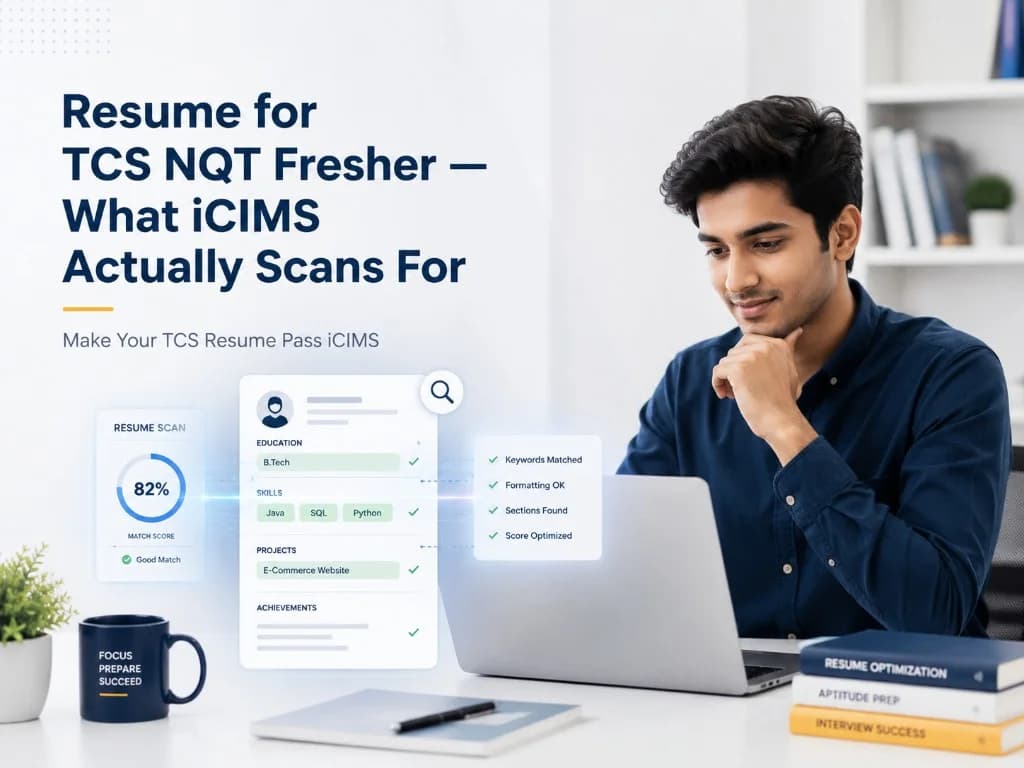
Overview: Writing a resume for the TCS NQT? Here's what TCS's iCIMS ATS actually scans — and the exact format that gets freshers past the screening round.

Introduction
TCS receives over 3.5 lakh applications through the NQT every cycle. Your resume gets six seconds — and before a human sees it, it passes through iCIMS, TCS's applicant tracking system.
Most ATS-friendly resume guides written for India are either too generic or built for the US market. This one is specific to the TCS NQT screening pipeline.
What iCIMS looks for in a TCS NQT resume
iCIMS doesn't read your resume the way a person does. It parses it section by section, scores keyword density against the role requirement, and ranks applications before any HR manager opens a file.
TCS's NQT system role typically looks for signals in four places: your education section (CGPA, institution, year of passing), your skills section (programming languages, frameworks, tools), your projects (technical stack and scale), and your summary (role alignment).
The most common reason a well-qualified fresher doesn't clear the TCS NQT screening is not skills — it's formatting. Columns, tables, graphics, and some fonts cause iCIMS to misread or drop content entirely. A two-column ATS resume format for fresher applicants in India may look clean on screen and parse as garbage in the system.
The ATS-friendly resume format TCS expects
When building an ATS-friendly resume for India's big-four IT companies, the rule is: linear first, human-readable second.
File format
PDF, saved from Word or Google Docs (not Canva, not Photoshop). TCS's system handles PDF cleanly when it originates from a word processor.
Layout
Single column. No text boxes. No tables for anything except a simple skills list. Columns are where TCS applications most often break.
Fonts
Calibri, Arial, or Times New Roman. 10–12pt for body. Anything more stylised risks being rendered as characters iCIMS doesn't index.
Length
One page. TCS HR has consistently said they prefer single-page fresher resumes. A two-page resume from someone with zero work history signals poor editing judgment.
Section order that works
- Name and contact (plain text, no header graphic)
- Summary (3–4 lines, role-specific)
- Education (reverse chronological, CGPA mandatory)
- Technical Skills
- Projects
- Certifications / Courses (optional)
- Achievements (optional)
Writing the TCS resume summary (where most freshers lose points)
Your summary is the first thing iCIMS indexes and the first thing a human reads. Most fresher summaries look like this:
Enthusiastic and hardworking B.Tech graduate seeking opportunities to grow in a dynamic organisation.
That sentence contains no keywords, no role signal, and no reason to read further. It goes into every TCS NQT application the same way.
Here's what a role-aligned summary looks like:
Final-year B.Tech Computer Science graduate from VIT Chennai with strong fundamentals in Java and Python. Solved 180+ DSA problems on LeetCode. Completed two full-stack projects (React + Node.js + MongoDB). Looking to contribute as a Systems Engineer at TCS, with interest in TCS's PACE and iON platforms.
The difference: this summary names a role, names a JD-adjacent platform, uses the job title, and quantifies technical activity. iCIMS scores all of those. An HR manager reads it and sees someone who did five minutes of TCS research.
Keywords your TCS NQT resume must contain
Every ATS resume format for a TCS NQT fresher application needs to match the language TCS uses in its Systems Engineer or similar role posting. The standard terms that appear in TCS NQT JDs include:
- Systems Engineering / Systems Engineer
- Java / Python / C++ (whichever applies — but pick what you actually know)
- Object-Oriented Programming / OOP
- Data Structures and Algorithms / DSA
- SQL / Relational Databases
- Agile / SDLC (for non-tech roles)
- Communication Skills, Problem Solving, Team Collaboration
One technique that works: paste the TCS NQT job description into a document, highlight every noun that appears more than once, and make sure each of those nouns appears naturally in your resume. This is the core of how to tailor your resume for a specific job description — you're not stuffing keywords, you're matching the vocabulary the ATS was trained on.
Projects section — the most underused section in fresher resumes
iCIMS indexes project descriptions the same way it indexes work experience. Most freshers write:
Built a library management system in Java.
That passes zero signals about scale, impact, or technical judgment. Instead:
Library Management System | Java, MySQL, JavaFX — Designed and developed a desktop application to manage book inventory, member records, and issue/return workflows for 500+ entries. Implemented CRUD operations with SQL queries optimised for sub-100ms response time. GitHub: github.com/yourname/library-management
Three lines, three keyword hits (Java, MySQL, CRUD, SQL, GitHub), one scale signal (500+ entries), one performance signal (sub-100ms). iCIMS scores all of it.
What not to do on your TCS NQT resume
- Don't include a photograph. TCS's NQT process is designed to be bias-neutral at the screening stage. Photos don't help and some parsing tools drop content near images.
- Don't list every technology you've heard of. iCIMS doesn't verify skill claims, but TCS's Technical Round interviewer will. If your resume lists Kubernetes and you can't explain what a pod is, you've flagged yourself.
- Don't use abbreviations without writing them out first. Write "Object-Oriented Programming (OOP)" not just "OOP". iCIMS may be programmed to search the full phrase.
- Don't pad length. Hobbies, high school achievements, and three-page resumes are all signals that you don't know what matters.
Getting your TCS resume to actually match the JD
The most important thing you can do before submitting — and the step almost no one takes — is run your resume against the specific TCS NQT job description you're applying to.
- Copy the JD text
- Identify which keywords appear in it that your resume doesn't include
- Add those keywords where you can support them with real experience
That process is what separates a 40% keyword match from an 80% match. The difference in shortlisting rate is not small.
Your resume should work for TCS specifically — not just be generically well-formatted.
Related reading on GyanBatua
Also useful in the Resume cluster:
- Tailor Your Resume to a Job Description — India Step-by-Step
- How to Match Your Resume to a Job Description Before You Apply
- Fresher Resume for Internships and Entry-Level Roles — Guide
- 10 Resume Mistakes That Reduce ATS Visibility and Shortlisting
- How to Test If Your Resume Passes ATS Screening Before Apply
Is your resume good enough?
Drop your resume here or . PDF & DOCX only. Max 5MB file size.
Resume guides
Related Resume Guides
About the Author
Senior Project Delivery Manager at Mobiloitte
Senior Project Delivery Manager at Mobiloitte, guiding graduates through placement preparation and corporate transition.
Pricing
Choose your plan and get started faster
Compare features, pricing, and usage clearly, then pick the plan that fits your goal.
Next step
Check your resume against a real job description
See JD match, keyword visibility, and skill gaps before you apply.
Related reading
13Recent articles
6