Use This Resume
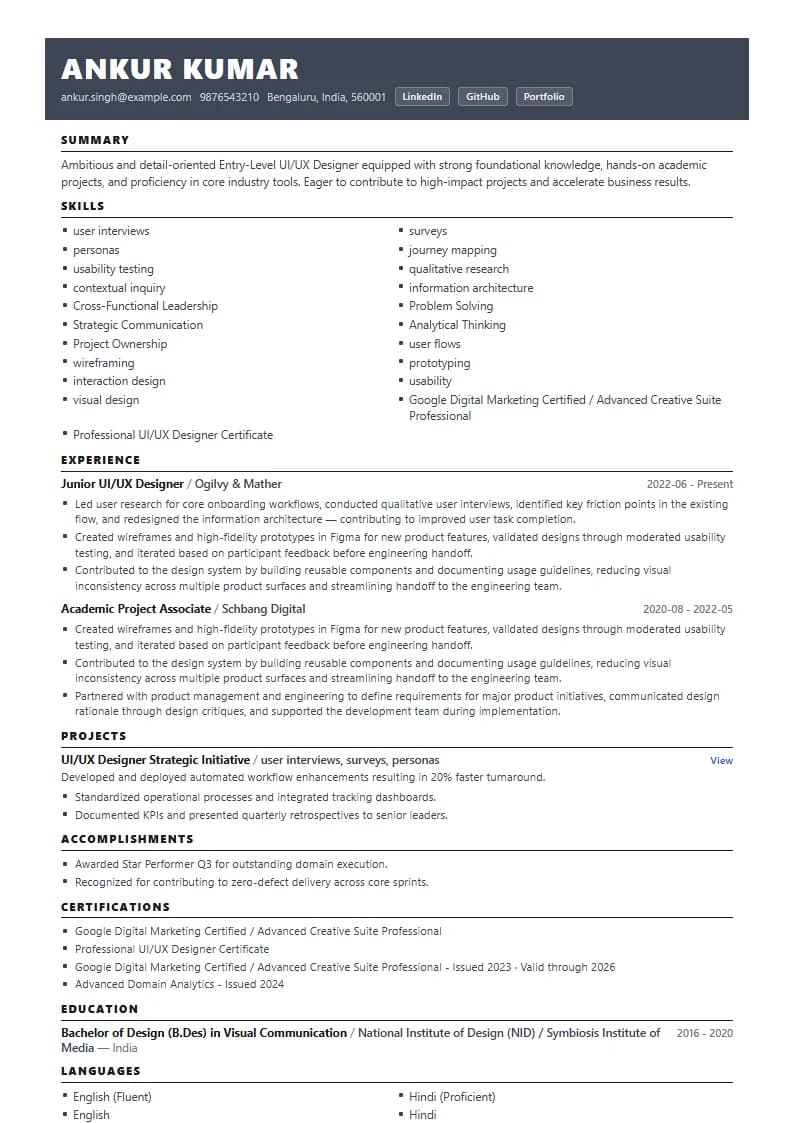
Entry-LevelTimeless Serif Classic
Create a UI/UX Designer resume that clearly communicates your design process, user research, interaction design, visual design, portfolio work, cross-functional collaboration, accessibility knowledge, and measurable user or business outcomes. Review role-specific examples, then compare your resume with a real UX or UI/UX job description using GyanBatua.
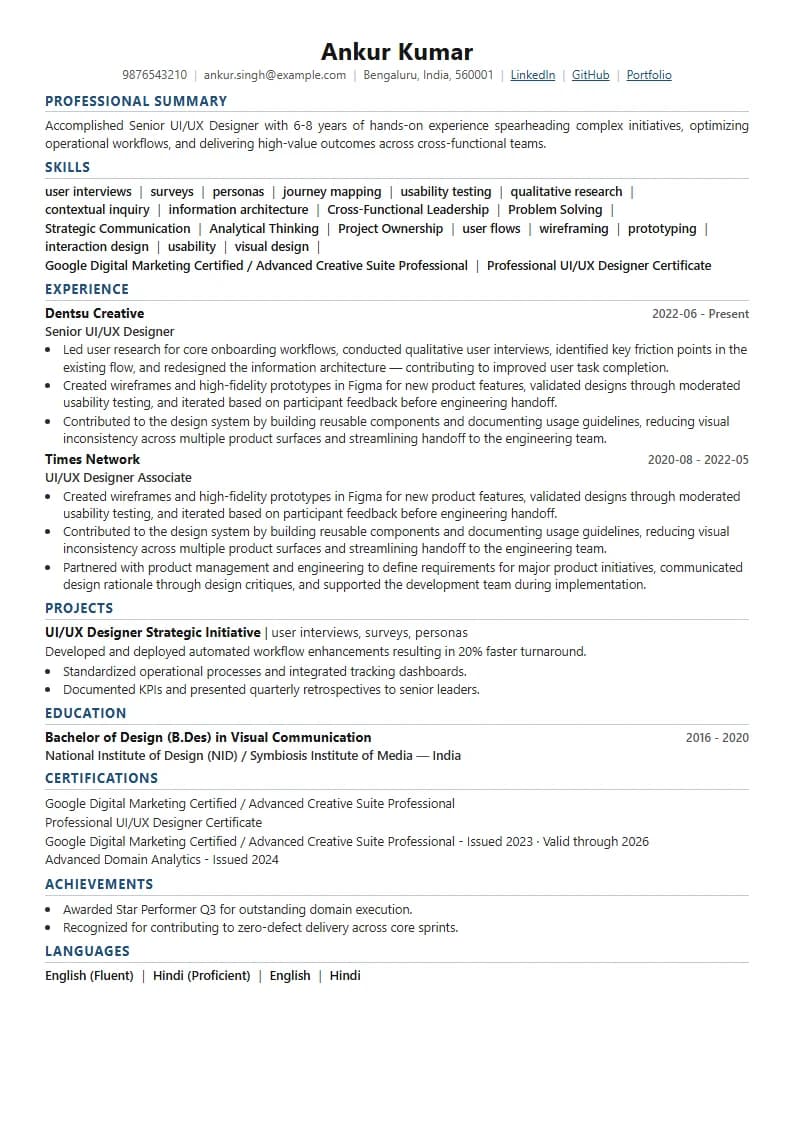
Recruiter-approved templates and real-world examples tailored for ui/ux designer roles. Click any resume to customize in seconds.
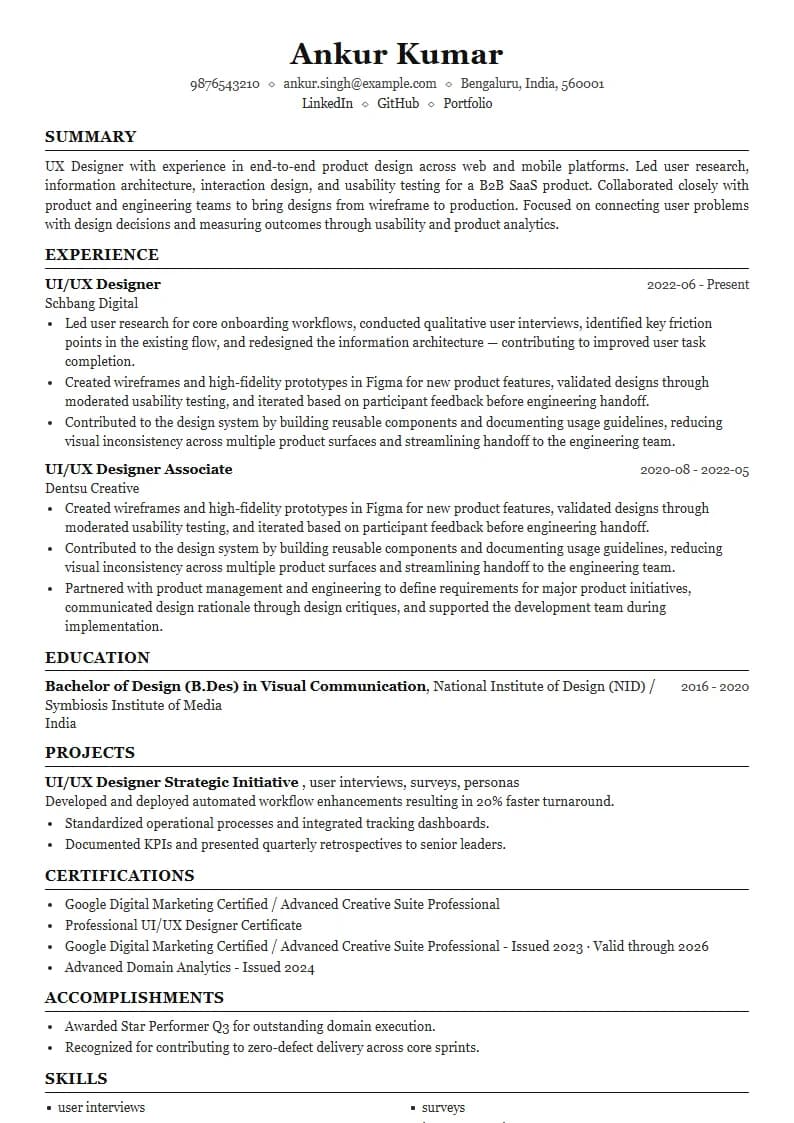
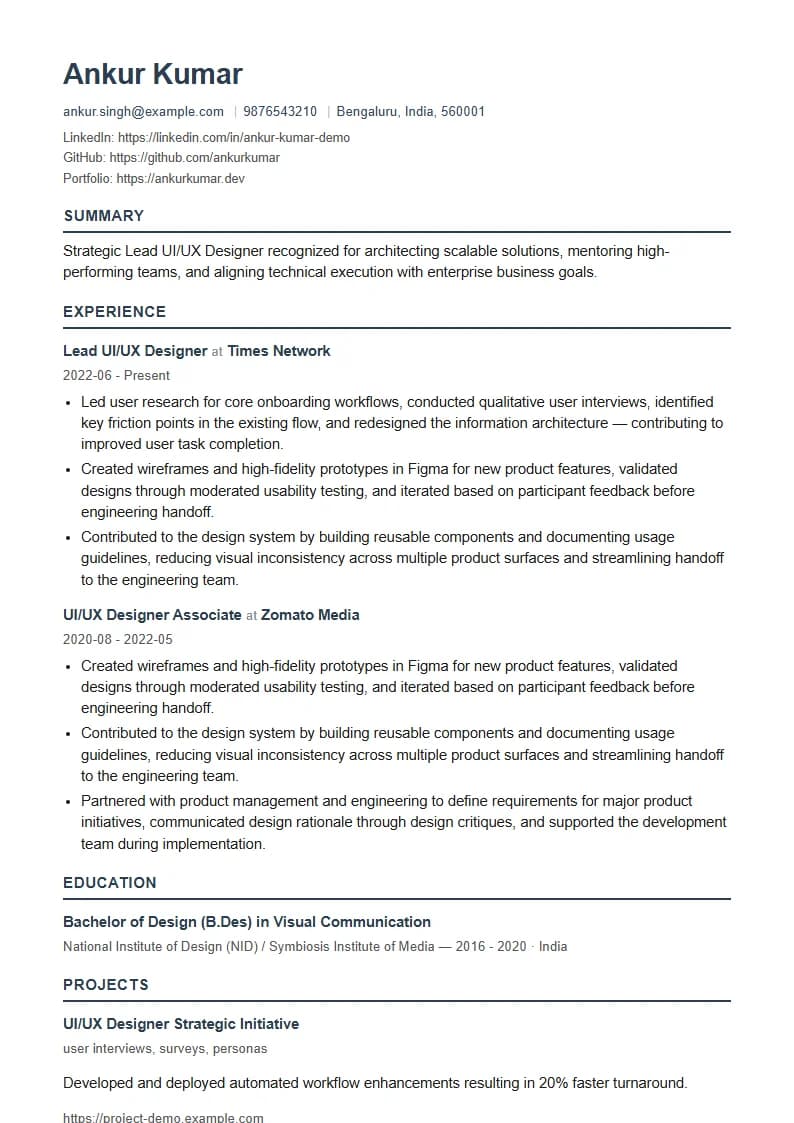
A strong UI/UX Designer resume should show how you identify user problems, turn research into design decisions, create and test interfaces or prototypes, collaborate with product and engineering teams, and contribute to user or business outcomes. Design tools should support the story rather than replace it. Include a portfolio link and use experience or project bullets to demonstrate your design process and impact.
Usable resume sample showing summary structure, categorized skills, and effective experience bullets.
UX Designer with experience in end-to-end product design across web and mobile platforms. Led user research, information architecture, interaction design, and usability testing for a B2B SaaS product. Collaborated closely with product and engineering teams to bring designs from wireframe to production. Focused on connecting user problems with design decisions and measuring outcomes through usability and product analytics.
Every resume entry should point to or connect with your portfolio. Use resume bullets to summarise the problem, your role, the method, and the outcome — then direct the reader to your portfolio for deeper case-study process detail. For entry-level designers, academic projects, bootcamp work, redesign exercises, and personal case studies are all valid when clearly framed as such. Show problem → research → design decision → testing → outcome or learning.
Checkout Abandonment Redesign | Problem: High drop-off during mobile checkout flow. Role: UX Designer. Research: Conducted user interviews and analyzed session recordings. Design: Simplified 3-step flow with contextual error guidance. Testing: Moderated usability testing with target users. Outcome: Improved mobile checkout completion rate and reduced user input errors.
Essential domain skills, frameworks and technologies commonly requested for ui/ux designer positions.
Target key expectations based on your current career stage and technical range.
Portfolio & Process Evidence
If you have no industry experience, emphasise genuine design work: academic projects, bootcamp case studies, personal projects, redesign exercises, volunteer UX work, research exercises, design challenges, or hackathon outcomes. Show problem framing, research, design process, iteration, testing, and learning — clearly labelled as coursework or personal projects rather than production work. A strong portfolio case study demonstrating design thinking and process is often more useful than a vague responsibility list. Do not present speculative redesigns or unpaid practice as shipped production work.
End-to-End Responsibility
Focus on the product areas or features you owned end-to-end: what discovery and research you led, how you translated insights into design decisions, what prototypes you created and tested, and what improved as a result. Show depth in at least one area of the UX process — research, interaction design, usability testing, or design systems — alongside evidence of product and engineering collaboration. Include outcomes where you have genuine data; describe scope and contribution honestly where you do not.
Strategy, Systems & Research Leadership
Emphasise complex product problems, design strategy, research leadership, multi-team collaboration, design systems ownership, mentoring junior designers, stakeholder communication, accessibility, and measurable outcomes. Demonstrate scope through the complexity of problems solved, the breadth of product areas covered, and the influence your design decisions had on product direction — not years of experience alone. A strong senior UX resume shows design thinking at system scale, not only individual deliverables.
Visual Craft & Interface Execution
Highlight the interface qualities your work demonstrates: visual hierarchy, typography, colour, responsive UI behaviour, component design, design system contributions, interaction details, and developer handoff. UI Designer resumes should show output quality alongside process — consistent layouts, accessible colour choices, and reusable component patterns matter. Include tools relevant to your visual workflow (Figma, FigJam, or equivalent) only where you genuinely use them for the work described.
Research, Architecture & Interaction
Focus on your user research methods, information architecture decisions, user flows, interaction design, usability testing, and the outcomes that followed. UX Designer resumes are strongest when each experience bullet shows a research or testing method, the decision or design it informed, and the result or learning. Avoid listing research activities in isolation — connect them to design decisions and, where possible, to verified user or business outcomes.
End-to-End Product Thinking
Product Designer roles commonly combine UX research, interaction design, visual design, and product thinking within a single role. If targeting a Product Designer position, your resume should show the full span: discovery and research, wireframing and prototyping, UI craft, design systems awareness, product-engineering collaboration, and outcomes. Many Product Designer JDs also expect input into product direction — include evidence of participating in prioritisation or scope discussions where genuine.
Follow these structured steps to align your resume with target job descriptions accurately.
Identify whether the role is primarily UX, UI, Product Design, Research, or hybrid. Identify required methods, required tools, product or platform context, portfolio expectations, accessibility requirements, and collaboration expectations.
Compare the JD signals with your resume. Which design methods, tools, or outcome areas are underrepresented? Which genuine experience deserves clearer emphasis? Reorder and clarify relevant evidence — without adding skills or projects you do not have.
Reframe genuine experience to match the JD's priorities. Use GyanBatua to compare your updated resume with the job description and identify any remaining gaps before submitting.
Resume Diagnostic
Want to know if your resume is ATS-friendly? Check it with our free AI tool below!
Drop your resume here or . PDF & DOCX only. Max 5MB file size.
Direct answers to common UX resume questions
Build yours next
Upload your resume and paste the UI/UX Designer job description you are targeting. GyanBatua can help you compare the two and identify relevant methods, tools, portfolio expectations, and terminology that may deserve clearer emphasis.
Your resume data is private, secure, and used solely for diagnostic matching.