
Why Your PDF Resume May Be Failing and What to Do Instead
Overview: PDF feels safer. It is not always. Here is when PDF works, when it fails, and which file format gives your resume the best chance of being parsed.

Introduction
PDF feels like the safe choice.
Looks identical on every device. Cannot be accidentally edited. Renders the way you designed it.
All true. None of which has anything to do with whether the ATS can read it.
Why PDF can fail
Not all PDFs are the same.
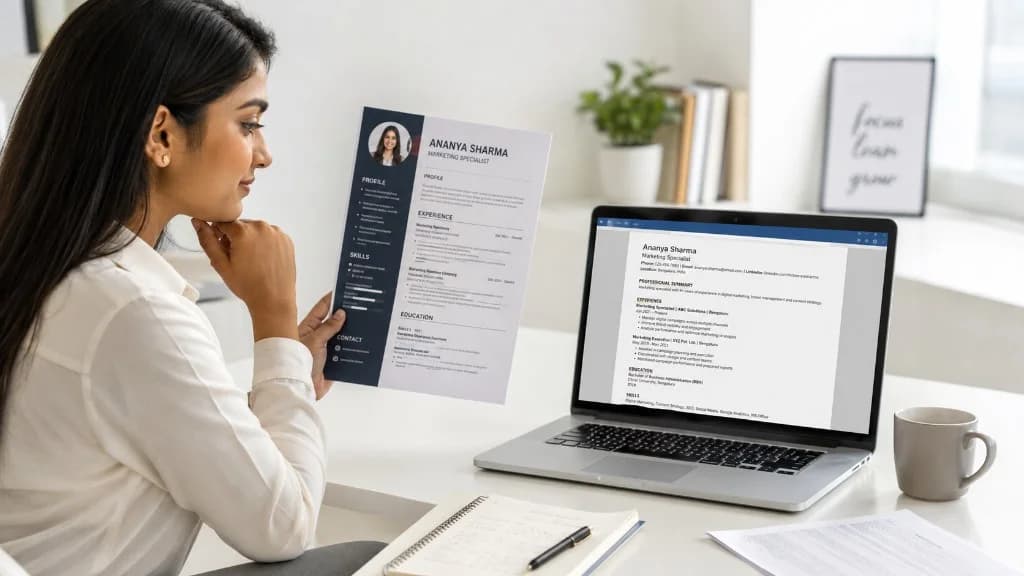
A PDF exported from Word is usually well-structured — the text is text, and parsers handle it cleanly.
A PDF exported from a design tool — Canva, Figma, Photoshop — can be flat. The text on screen may actually be an image of text. Parsers see a picture, not words.
A scanned PDF is just a series of images. Parsers see nothing readable at all without OCR, which most ATS does not do reliably.
Same visual file. Three very different parsing outcomes. The candidate has no idea which one they uploaded.
When PDF works well
- Exported from Word, Google Docs, or a text-first tool.
- Single column, standard fonts, no graphic-trapped text.
- Tested by copying text out of the PDF and pasting into a plain document — if the text comes out as text, the parser will see it.
When .docx is safer
- When you are not sure what tool produced the PDF.
- When the JD or application form lets you upload either.
- When you have a heavily designed resume — .docx forces the content to remain as text, even if the visual design changes slightly across renderers.
The practical rule
If the form gives you a choice, .docx is usually the safer parseable option. Most ATS handle both, but .docx fails less often.
If the form requires PDF, make sure your PDF is text-based and tested. Copy the text out. If it comes out clean, you are fine. If it comes out as garbage or refuses to copy at all, that PDF will not parse.
Two resume files, one source
Many candidates keep one source resume — usually in Word or Google Docs — and export to whichever format the application requires.
One file. Multiple outputs. Always consistent. Always parseable.
That is the simplest setup that survives the file-format question forever.
Related reading on GyanBatua
Go deeper on ATS and screening:
Is your resume good enough?
Drop your resume here or . PDF & DOCX only. Max 5MB file size.
Resume guides
Related Resume Guides
About the Author
Vice President at Mobiloitte
Vice President at Mobiloitte, focusing on AI-first digital initiatives, resume optimization engines, and placement outcomes.
Pricing
Choose your plan and get started faster
Compare features, pricing, and usage clearly, then pick the plan that fits your goal.
Next step
Check your resume against a real job description
See JD match, keyword visibility, and skill gaps before you apply.
Related reading
8Recent articles
6