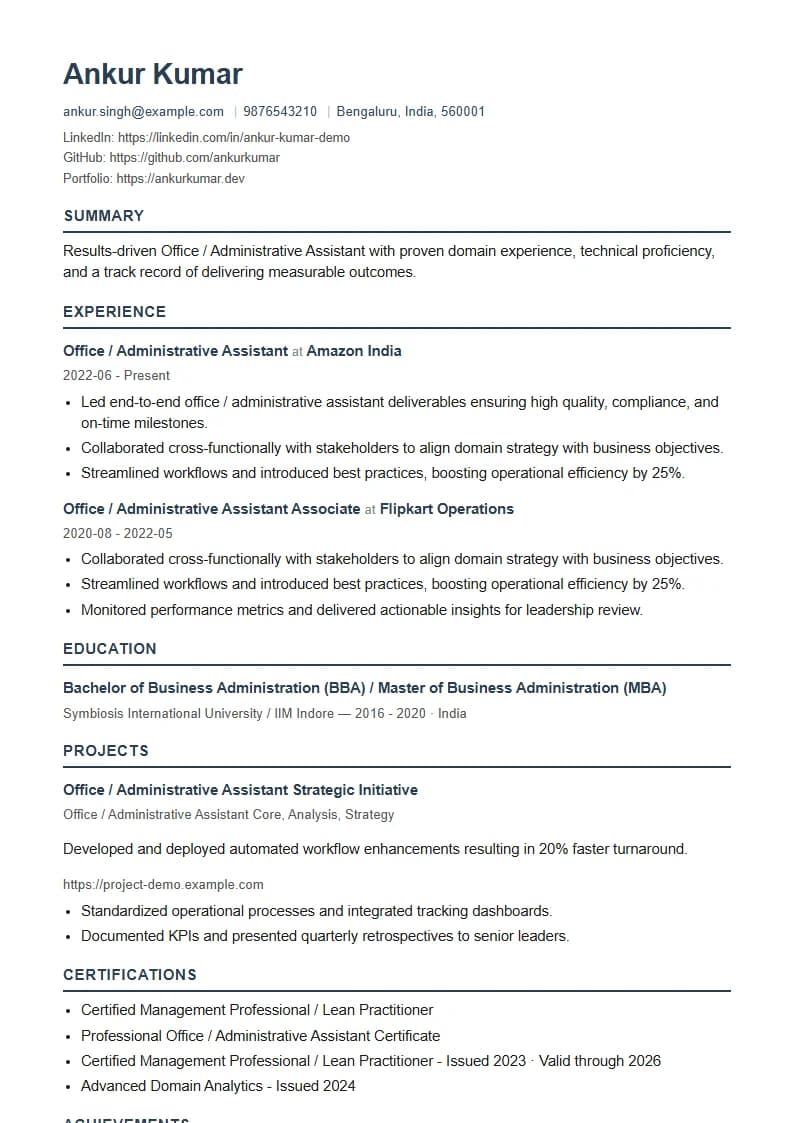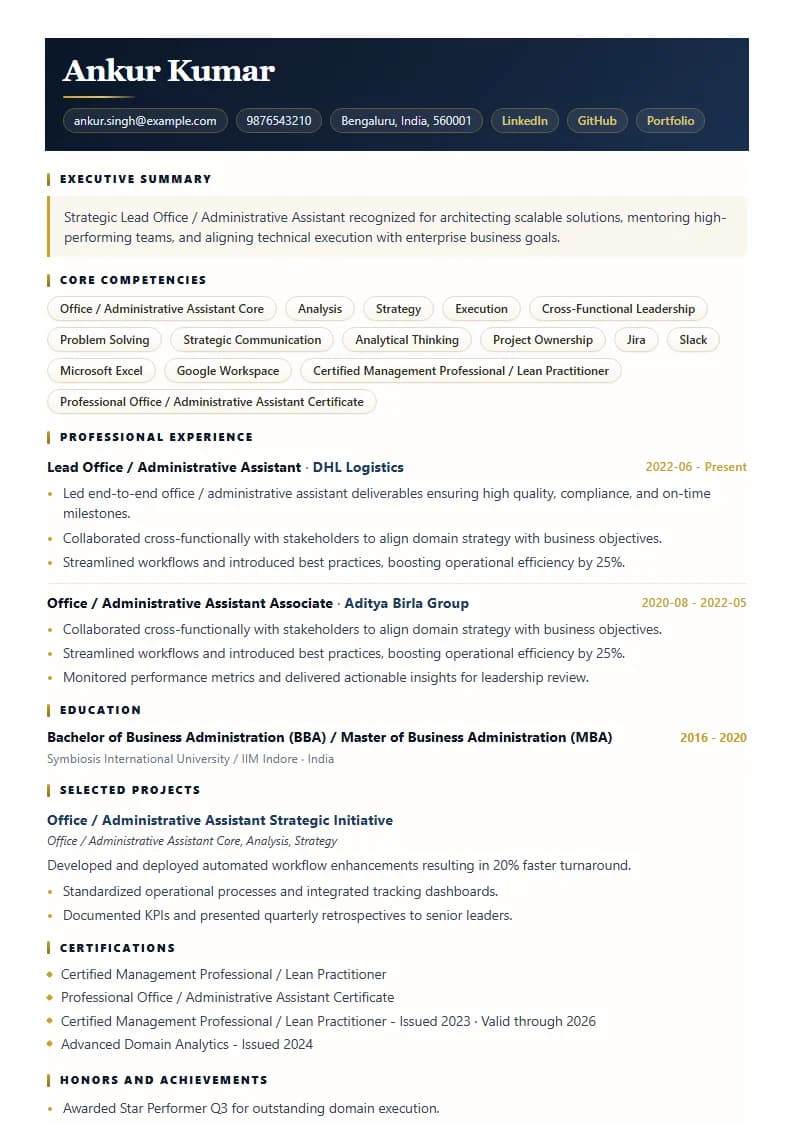

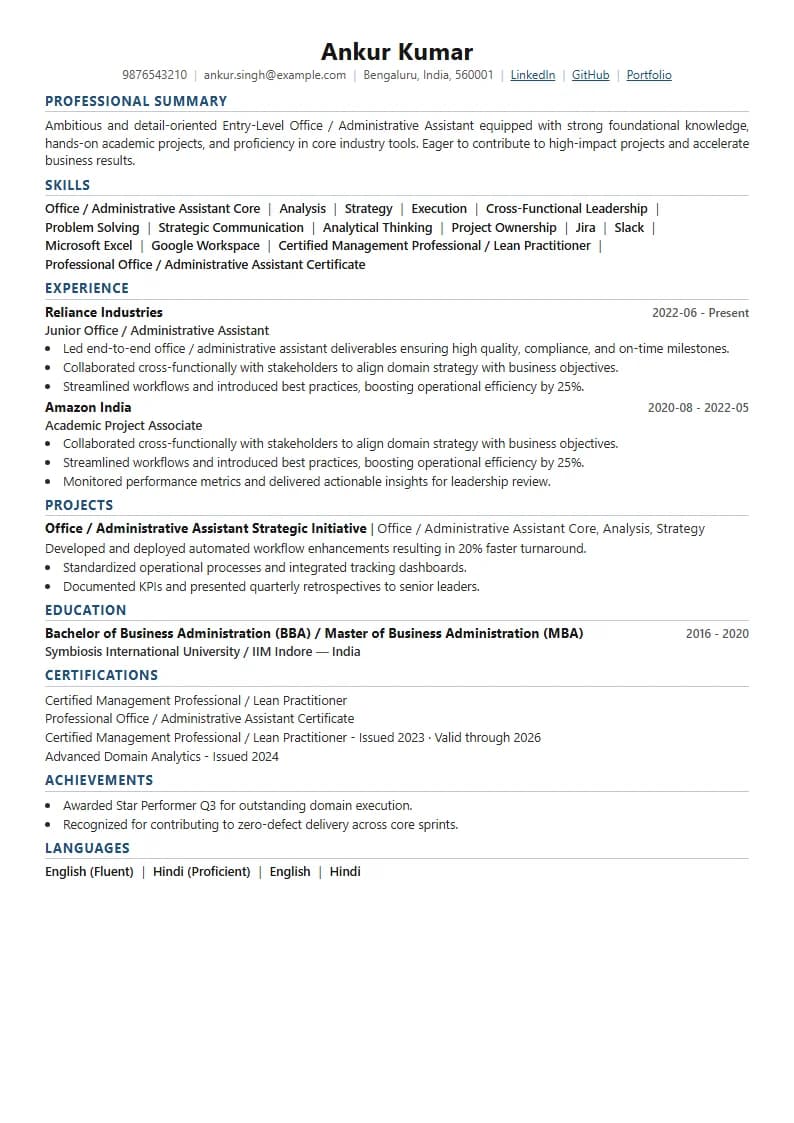
Resume for an Office / Administrative Assistant: Match the Function and Software the JD Names
An Office or Administrative Assistant resume is judged on whether your administrative function and software match the specific job description. Admin roles vary widely — executive assistant, front office, office coordination, documentation, and operations support — and each emphasises different skills, so a resume matched to one under-matches the others. GyanBatua AI scores your resume against the exact JD, names the gaps, and helps you close them before you apply.
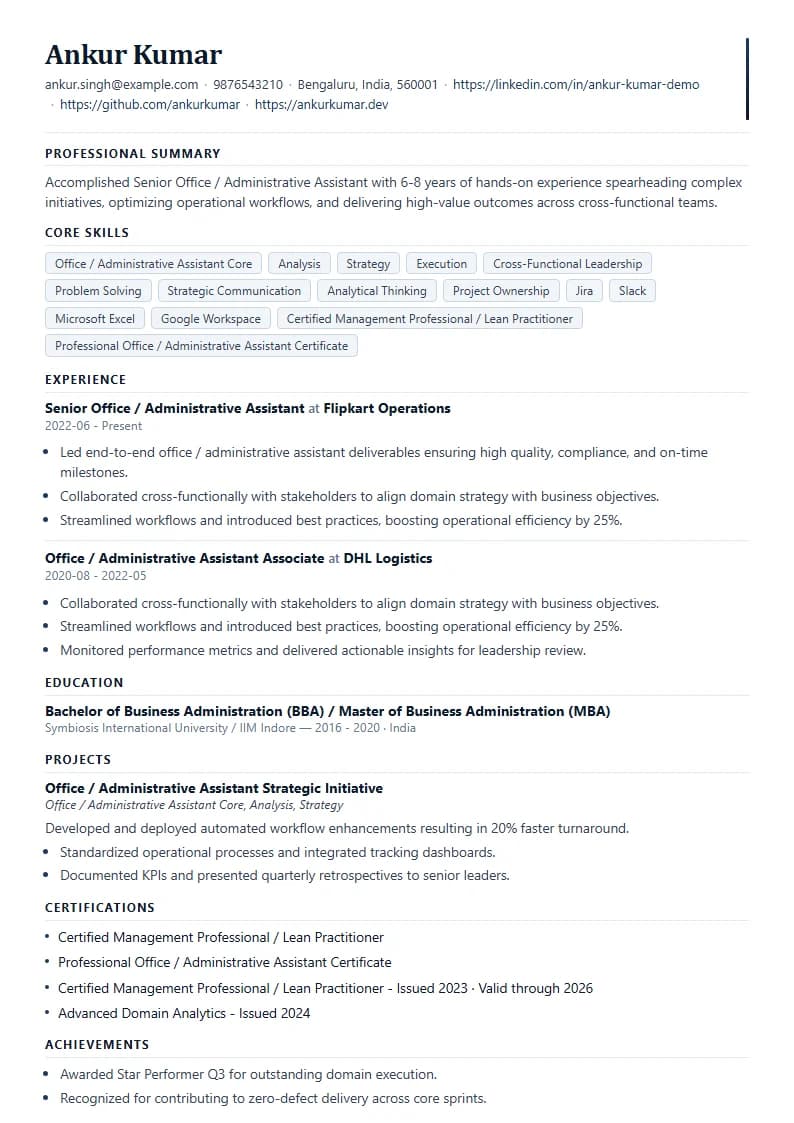
Admin Matcher
Target: Executive Assistant JD
Optimization Report
Found 1 critical software gap in core signals.
Administrative Function Filters
What an Office / Administrative Assistant job description screens for
Understanding each one tells you what your resume has to prove for that specific role.
This functional and software tool split is why a generic administrative resume struggles to clear keyword filters. An executive assistant JD and an operations support JD reward different calendar routing, travel coordination, and spreadsheet setups, and the JD signals which administrative load is required.
The Function Filter
Administrative function
Administrative function forms the primary structural filter. Executive assistance, front office/reception, office coordination, documentation, data and records, or operations support — the JD is built around one, and a resume that does not foreground it under-matches.
Software Filters
Software and productivity tools
Software and tools represent literal technical qualifiers. MS Office (Word, Excel, PowerPoint, Outlook), Google Workspace, calendar management, and corporate ERP systems appear in JDs, and missing them triggers ATS exclusion.
The Coordination Signal
Organization and correspondence
Organization and correspondence signal operational fit. Meeting scheduling, travel coordination, minute-taking, vendor coordination, and office inventory tracking show a candidate can run high-load administrative systems.
The Reliability Proof
Reliability outcomes
Reliability outcomes distinguish standard candidates. The strongest admin resumes attach metrics to operational outcomes — calendars managed, events coordinated, accuracy rates achieved, or travel budgets saved — rather than listing basic responsibilities.
Admin Keywords
The Office / Administrative Assistant resume keywords that matter in 2026
The keywords that matter for an admin resume are the ones the target JD names — but these categories recur across most Indian Office / Administrative Assistant JDs in 2026, and your resume should reflect the ones present in the JD.
Administrative Function
Direct administrative segment targeted in the JD.
Software Suite
Drafting, spreadsheet, and email tools.
Administrative Skills
Core office coordination and support tasks.
Client & Team Interaction
Written and oral communication parameters.
Outcome Language
Proven dependability and support metrics.
Avoid Keyword Stuffing: Matching beats padding. An admin resume that proves the JD's function, its software, and reliability outcomes will out-score a generic administration-duties list.
Executive Assistant vs Operations Support
Why admin resumes under-match on functional depth
Admin resumes under-match when they read as generic administration rather than matching the JD's specific function and software, because in a high-volume field the screening layer rewards precise matches. A candidate strong in executive assistance applying to an operations-support role under-matches if the resume does not foreground the relevant function and tools.
The fix is to weight the same base resume toward the JD's function and software for each application, and to confirm the match before applying.
Admin Assistant Function Fit
Proven calendar routing, travel coordination, and executive desk support.
Under-weights C-level communication, schedule management, and diary control.
Simple Checking loops
How to check your admin resume against a real JD
The fastest way to know whether your admin resume will clear screening is to score it against the actual job description first. GyanBatua AI does this in three steps.
Upload & Paste
Upload your resume and paste the Office / Administrative Assistant JD you are targeting. The free match score shows your alignment now, with the gaps named.
Review Gaps
Review the function and software gaps. You will see which JD signals your resume is missing or under-weighting.
Tune & Re-Check
Tune and re-check. Get a JD-matched version; re-run the score to confirm the gaps closed before you submit.
Affordable Micro-payments
GyanBatua's micro-payment model means you pay only for the applications you are serious about — nothing for the months you are not searching — and every user gets the same advanced AI on every action.
Interview Protocol
From shortlist to offer: prepare for the admin interview on the same JD
A matched resume gets you the interview; the same JD should shape your preparation for it. GyanBatua AI's interview practice is built around the job description you matched against, so an executive-assistant role and a front-office role generate different practice — function-specific scenarios, software and organisation questions, and the situational judgement the role implies. Resume optimization improves your shortlisting odds; JD-based interview prep improves your odds in the room. Both work on the same target role.
FAQ Help
Common questions about Office / Administrative Assistant resumes
FAQ Help
What should an Office / Administrative Assistant resume include in 2026?
An admin resume should foreground the administrative function the JD names (executive assistant, front office, coordination), the software it specifies (MS Office, Google Workspace, ERP), organisation and communication skills, and reliability outcomes. Because admin roles vary by function, the emphasis should change per JD.
How important is MS Office on an admin resume?
Office software such as MS Office and Google Workspace is a near-universal, literal requirement on admin JDs, so a resume that does not surface the named tools under-matches. Match the specific suite and any ERP the JD lists rather than assuming they are interchangeable.
Why does my admin resume get rejected despite experience?
An admin resume with experience still gets rejected when it reads as generic rather than matching the JD's specific function and software, because the high-volume field rewards precise matches. Matching the JD's function, tools, and responsibilities is what clears the screen.
How do freshers write an administrative assistant resume?
Freshers should foreground their software proficiency, frame any internship, coordination, or part-time office work in the JD's function language, and show organisation and communication skills. Software and organisation signals matter most for entry roles. Scoring against a real JD shows whether it is landing.
Does GyanBatua charge a subscription for admin resume help?
No. GyanBatua AI uses micro-payments — you pay per action (for example for a JD-matched resume) only while job-hunting. There is no forced monthly subscription, and every user gets the same advanced AI on every action regardless of price.
Career Growth
Explore More Roles & Interview Guides
Complete your profile checklist and match against multiple options.
Software Development Engineer (SDE) Guide
See exactly how well your resume matches an SDE job description before you apply. Free match score, ATS keyword gaps, and a JD-tuned resume.
Data Analyst Guide
Find out how well your resume matches a Data Analyst JD before you apply. Free match score, ATS keyword gaps, and a JD-tuned resume.
Roadmap to Tech Roles
Strategic instructions to transition into high-value product teams.
Mock Interview Guide
Prepare for technical scenarios and domain screens effectively.
Check your Office / Administrative Assistant resume against a real job description
Verify administrative functions, MS Office tools, and organizational outcomes instantly.